


Infinite Possibilities.
From colors and layouts to fonts and images, create a look that’s uniquely yours.


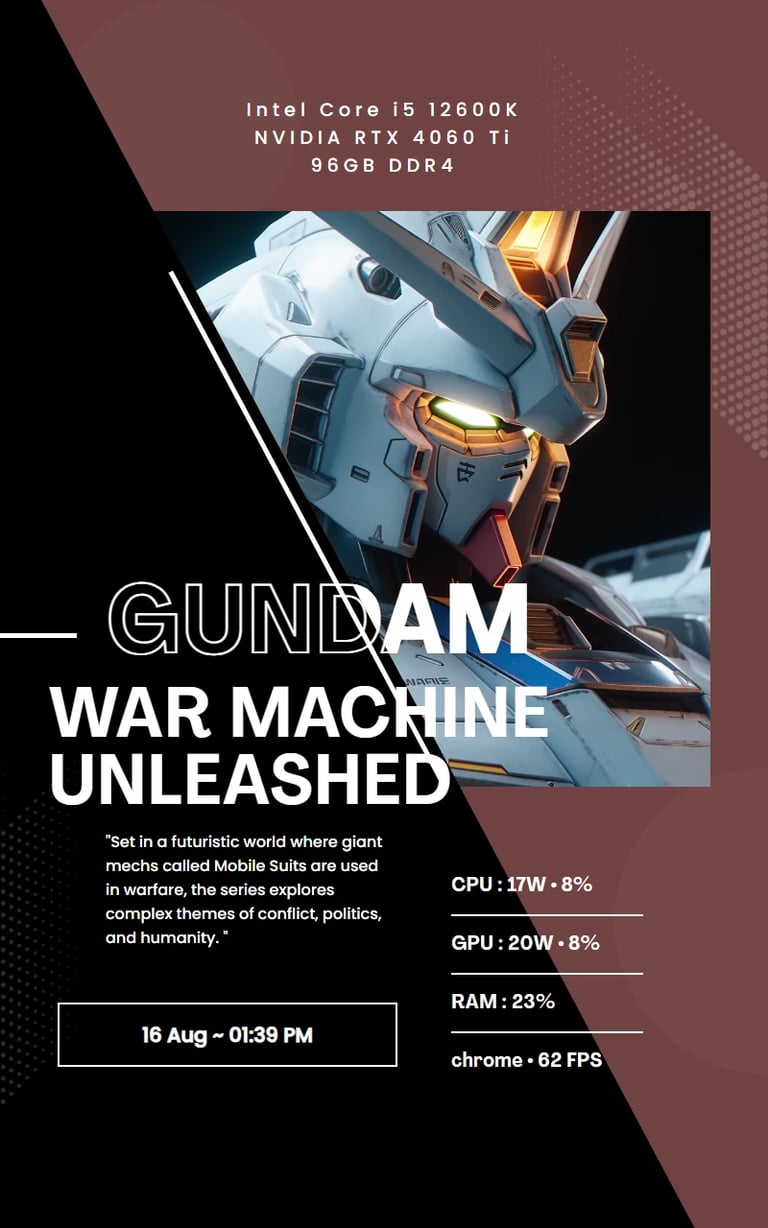
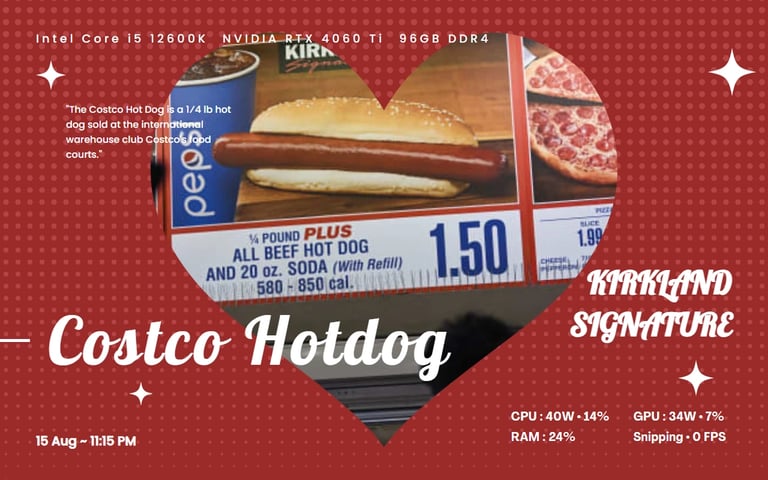

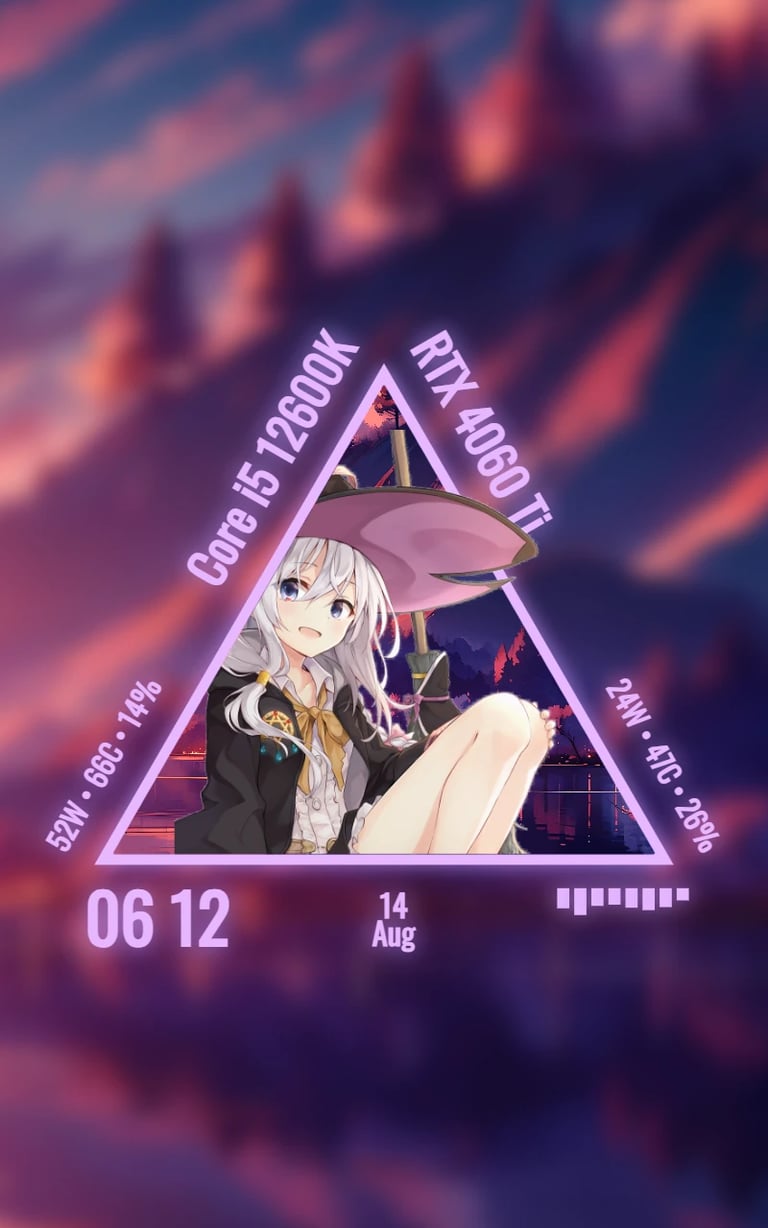
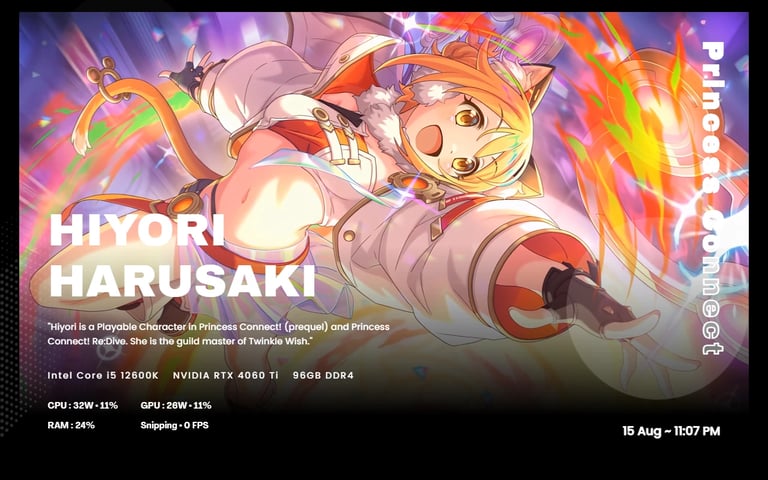
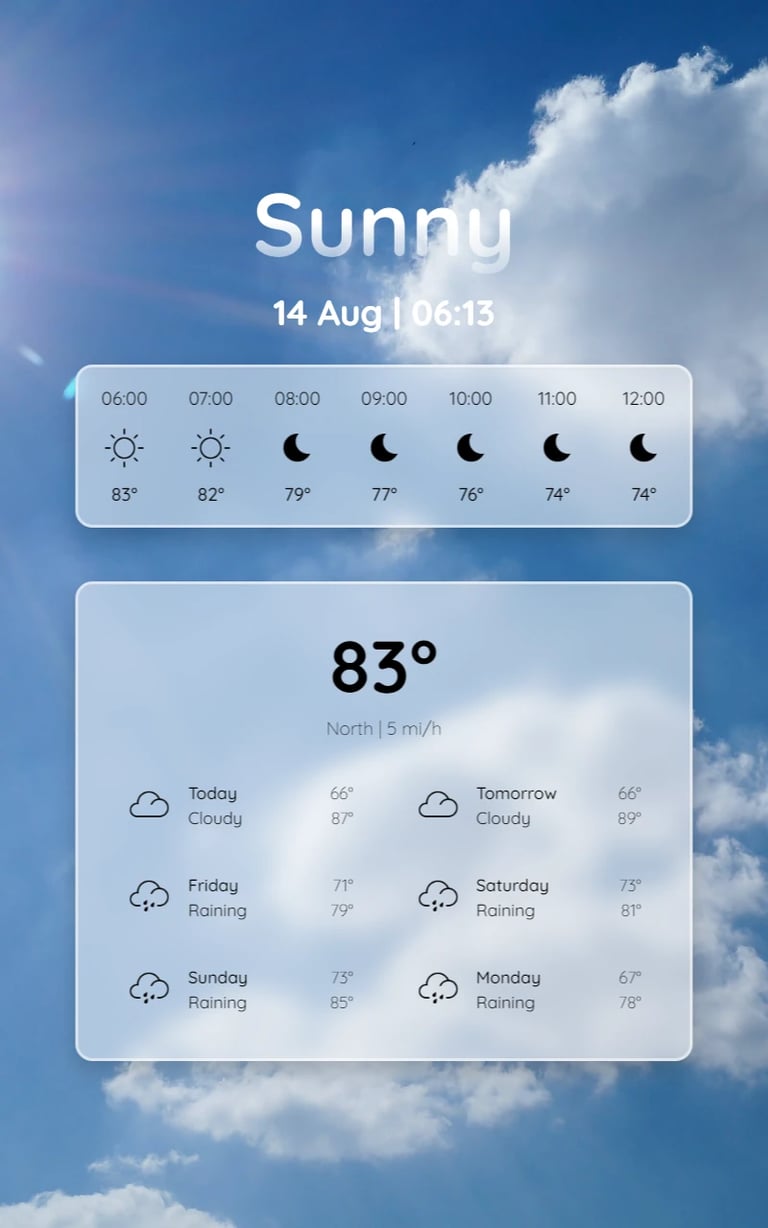
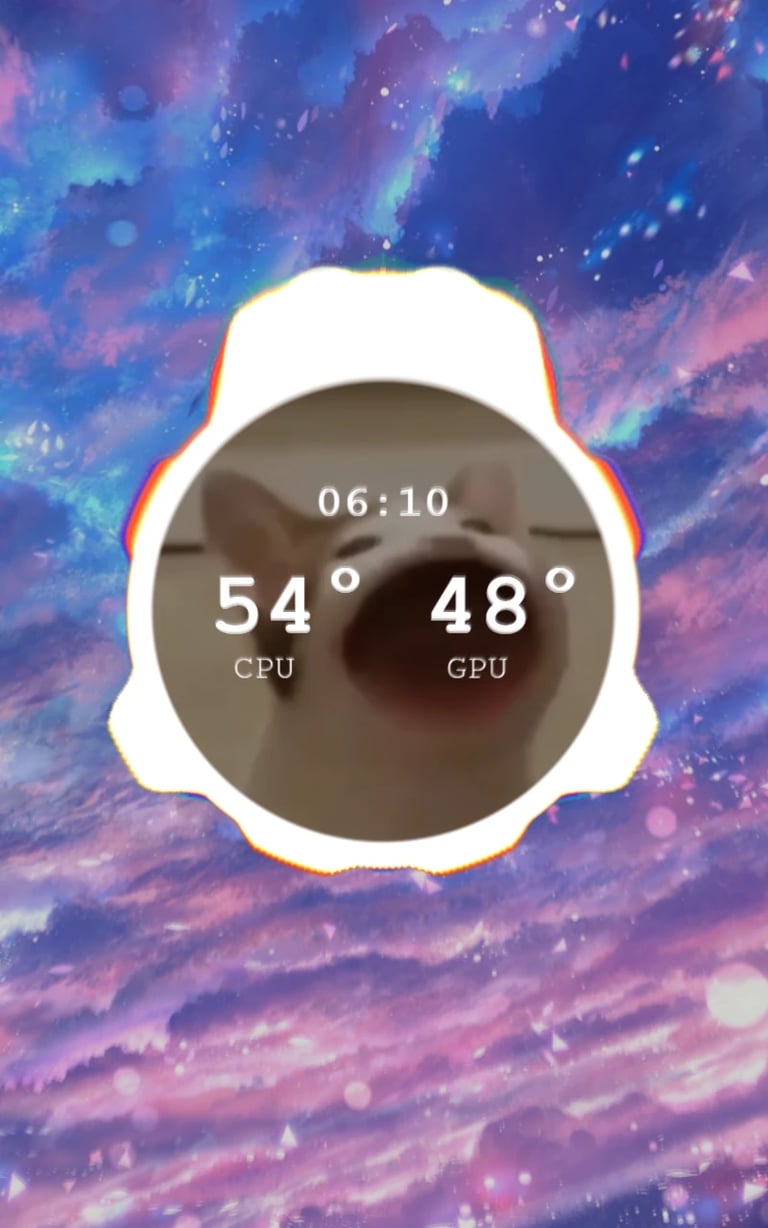

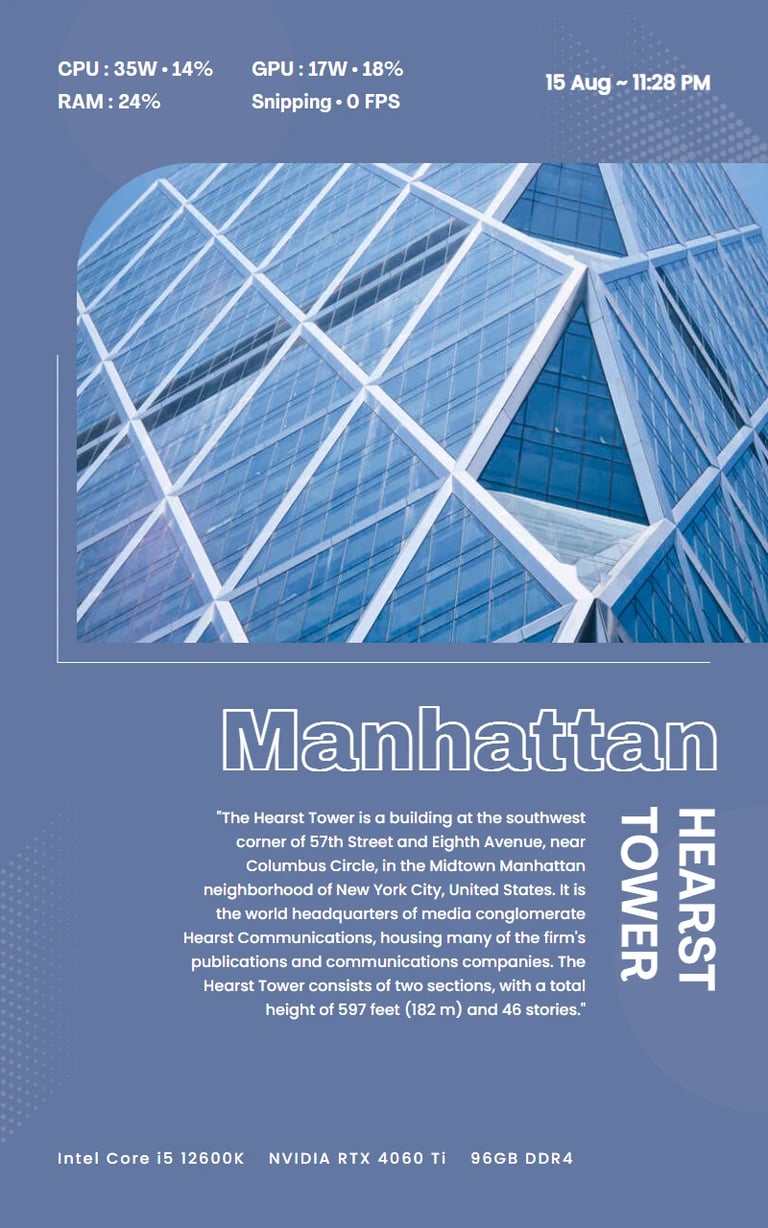
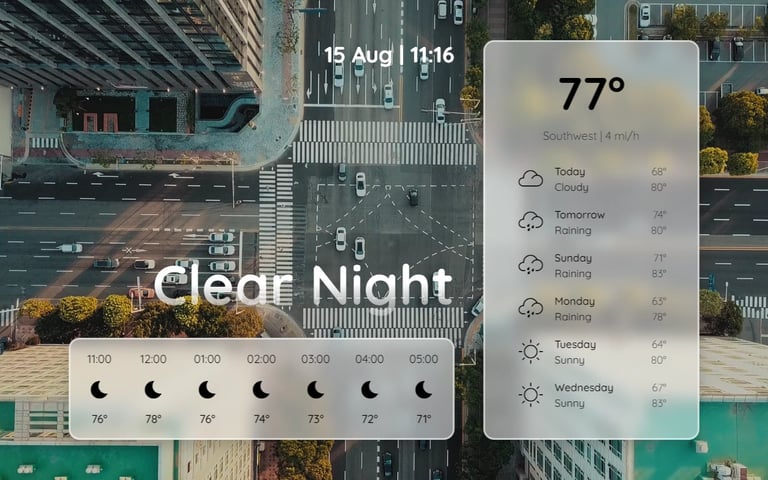
Exceptionally
featureful.
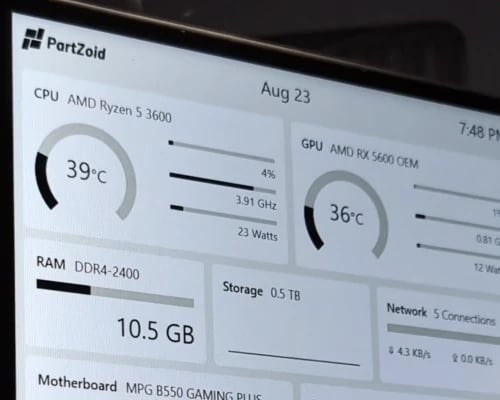
Hardware Monitoring
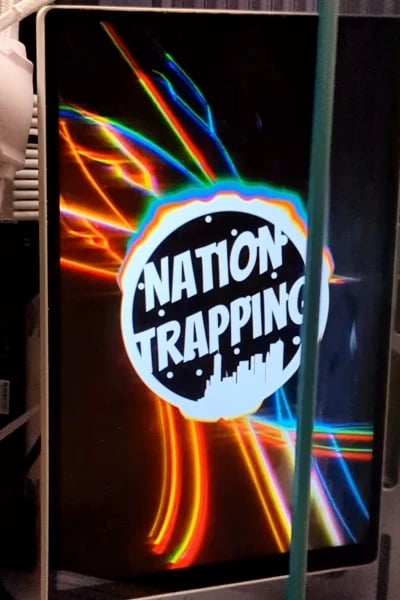
Audio Visualizer
Powerful Theme Editor



Easy Customization.
Just Select a Theme, scroll down and begin customizing the theme. It's that easy.


Release 14
∙ Feature: New centralized theme customization system, making it easier for end-users and theme makers
∙ Feature: 'Generic' theme is now more customizable
∙ Enhancement: Removed motherboard fan "load" data from theme's "fixed_data" as they are unreliable
∙ Enhancement: Reduces the chance of some OnRapid calls being skiped due to multithreading
∙ Enhancement: Improved accuracy for bass decection for 'Nation Trapping' Theme
∙ Fix: Issue where the igpu is chosen instead of dgpu for sensor panel info
∙ Fix: Issue where settings are not saved in correct location
∙ Fix: Issue where OnStart wasn't called occasionally
∙ Fix: Issue where some button wont work with a touch screen
∙ Fix: Issue where software will crash if theme didn't initalize correctly
Change Logs
Release 13
∙ Feature: "Clock" theme has new layout and option to change fonts
∙ Enhancement: Increased component support including Arrow Lake CPU
∙ Enhancement: Smarter display scaling
∙ Enhancement: "Generic" Theme date, time, audio, fan
∙ Fix: Weather theme icons
∙ Fix: Crash starting up when scale of the monitor needs to be changed
Release 12
∙ Feature: New 'Clock' Theme
∙ Feature: Pixel Theme has new grid aesthetic
∙ Feature: Pixel Theme has 4 new color palette as well as an option to no use palette
∙ Enhancement: Improved weather accuracy for "Weather" theme
∙ Enhancement: Sensor panel display no longer forces itself as topmost allowing other windows on the screen to be accessed
∙ Enhancement: Improved GPU differentiation
∙ Fix: Long naming issue for "Geometry" theme
∙ Fix: Face image disappearing when switching between some layout in "Geometry" theme
∙ Fix: Icon color could now be changed in "Weather" theme
Release 11
∙ Feature: Target Display 'Auto' option
∙ Feature: Auto scaling allows for automatic scaling to standard 100%
∙ Feature: New theme data isolation no longer requires data to be deleted when switching between theme
∙ Feature: Fans can be named
∙ Enhancement: Opens the existing PartZoid Utility instead of a popup notice
∙ Enhancement: Removal of display scaling notice
∙ Enhancement: Removal of display information
∙ Fix: Windows positioning issue
Release 10
∙ Feature: New "Pixel" theme for pixel art aesthetics
∙ Feature: 2 new layouts for "Exhibition" theme: "Architecture", "Romance"
∙ Enhancement: Notify when user had "Ease cursor movement between displays" enabled
∙ Enhancement: "Poster" theme in Exhibition aesthetic improvement
∙ Enhancement: "Art" theme in Exhibition aesthetic improvement
∙ Enhancement: Forces software to show in primary display when shown
∙ Fix: AMD CPU naming scheme
∙ Fix: Scaling unit for AMD GPU
Release 16
∙ Feature: Brand new easy to use editor to create your own theme
∙ Feature: A few more new themes
∙ Enhancement: More Intel & AMD CPUs support
∙ Enhancement: More AMD & Nvidia GPUs support
∙ Enhancement: Improved audio detection
∙ Enhancement: Lots of changes to existing themes
∙ Fix: Countless fixes